KingPlayer
Plays all videos, music files, and streams
with hardware acceleration at the highest quality.
Ultra HD High-Speed Player
Free Download v2.6.0High-Quality Video Rendering
Premium quality renderer. Real-time brightness/contrast/saturation/hue adjustment, rotation and flip support
Hardware Acceleration
Smooth playback up to 4K, 8K, and 16K with hardware acceleration. Automatically applied when available, seamless software fallback when not supported
All Codecs Supported
65+ video codecs, 19 pixel formats. Instantly plays any video including H.264, HEVC, AV1, VP9, ProRes, and more
Full Subtitle Support
ASS/SSA/SRT/SMI/VTT rendering. MKV embedded subtitles, external subtitles, and font settings
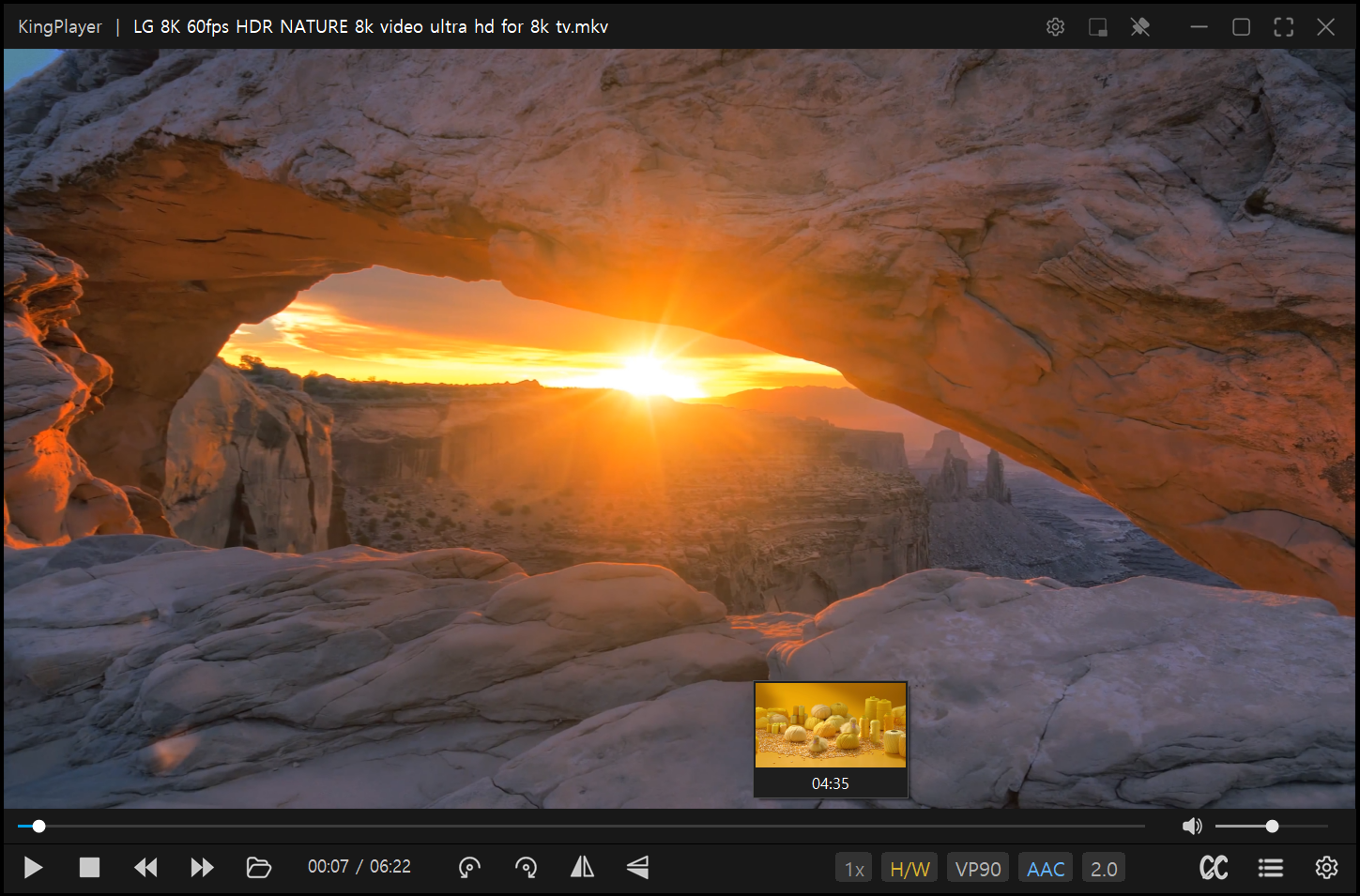
Powerful Playback Engine
- High-performance video engine optimized for quality
- Video rotation / Horizontal flip / Vertical flip
- Playback speed 0.1x ~ 4.0x (pitch preserved)
- A-B repeat (seek bar marker display)
- Clip trimming (ultra-fast stream copy)
- Audio track selection
- Audio DRC / Audio normalization / Boost
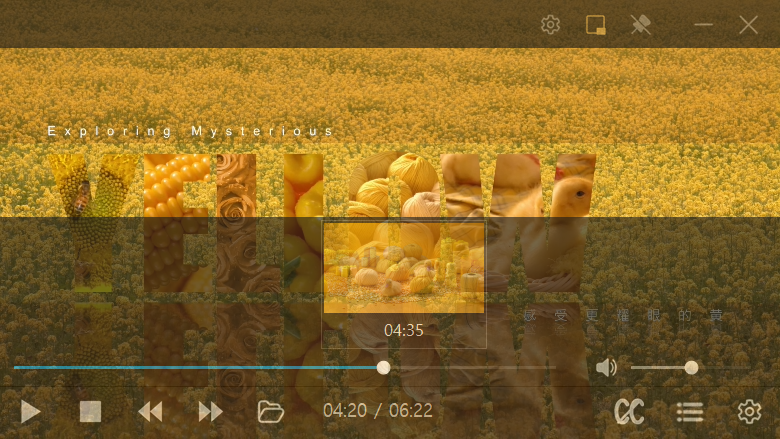
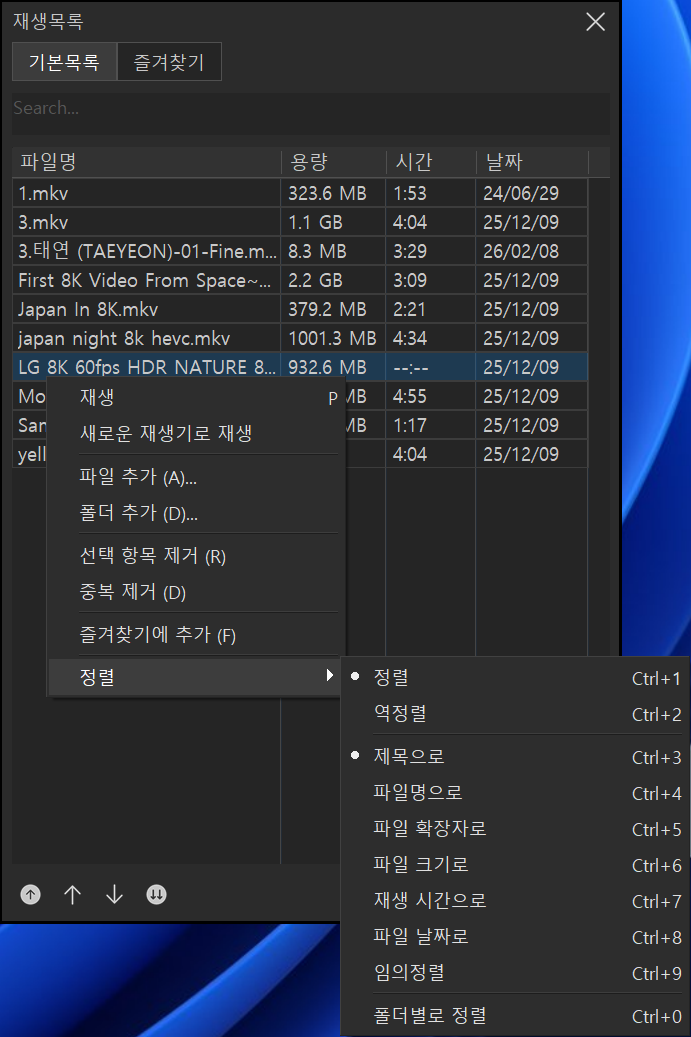
Intuitive Interface
- Dark theme by default
- Seek bar thumbnail preview
- Responsive toolbar
- Playlist snap docking
- Favorites (groups, position saving)
- OSD overlay, file information
- Multi-language (Korean/English/Japanese, etc.)
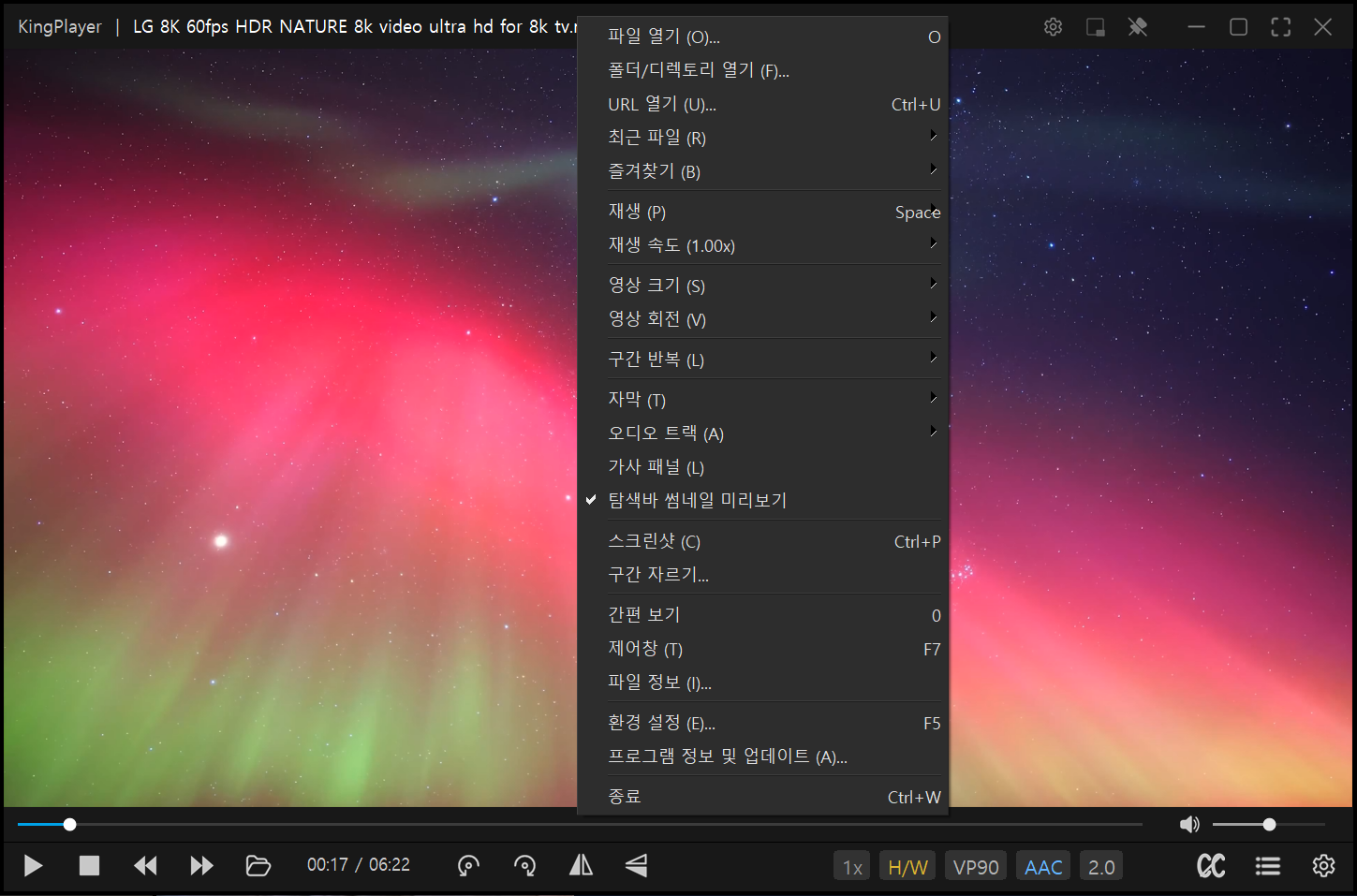
URL Streaming
- HTTP/HTTPS/RTSP/MMS streams
- Radio listening
- Audio spectrum
- Stream mode UI (LIVE indicator)
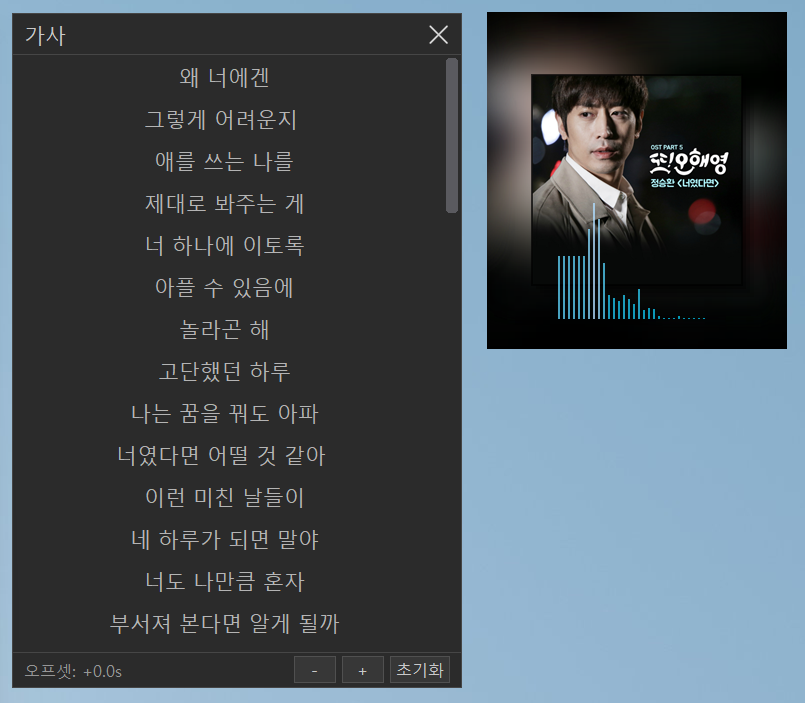
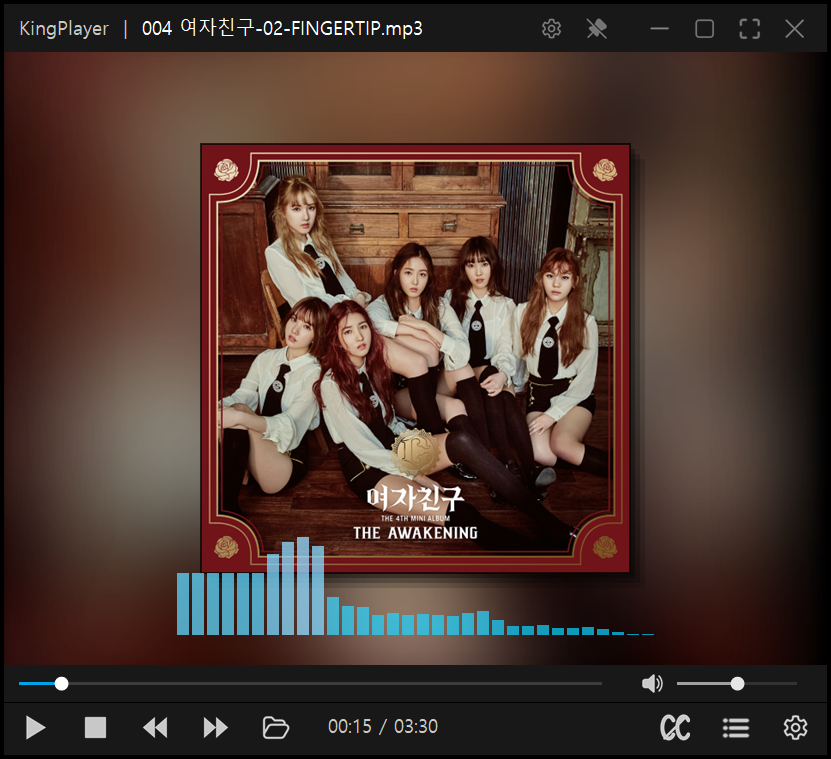
Audio Visualization & Lyrics
- Lyrics window (auto LRC loading, online search, synced scrolling)
- Real-time spectrum
- Album art display
Keyboard Shortcuts
| Playback Controls | |||
|---|---|---|---|
| Space / P | Play / Pause | M | Mute |
| ← / → | Seek 3 seconds | ↑ / ↓ | Volume adjustment (1%) |
| Shift+← / → | Seek 10 seconds | Mouse wheel | Volume adjustment (5%) |
| Alt+← / → | Seek 0.5 seconds | PgUp / PgDn | Previous / Next video |
| Ctrl+← / → | Frame step (0.1 sec) | Z / X / C | Speed reset / Slower / Faster |
| Ctrl+Space | Stop | L | Repeat mode cycle |
| A-B Repeat & Subtitles | |||
| [ | A-B repeat start point | , / . | Subtitle delay -/+ |
| ] | A-B repeat end point | / | Subtitle delay reset |
| \ | A-B repeat clear | ||
| Screen & Rotation | |||
| F / Enter | Fullscreen | W / A / S / D | Rotate (0°/270°/180°/90°) |
| Esc | Exit fullscreen | Q / E(R) | Rotate (left / right) |
| 1 ~ 6 | Window size (25~200%) | H / V | Horizontal / Vertical flip |
| 7 | Maximize | 0 / T | PIP mode |
| 8 | Fullscreen | Ctrl+T | Always on top |
| Miscellaneous | |||
| O | Open file | Ctrl+B | Add to favorites |
| Ctrl+U | Open URL | Ctrl+P | Screenshot |
| F5 | Open settings | F6 | Toggle playlist |
| F7 | Toggle control panel | Ctrl+G | Go to time |
| Ctrl+W | Exit | Right-click drag | Mouse gesture (volume/seek/prev/next) |
| Media key support: Play/Pause, Stop, Next, Prev (global hotkey option) | |||
System Requirements
OS
Windows 10 / 11 (x64)
License
Freeware (free for everyone)
Frequently Asked Questions
Yes, KingPlayer is completely free (freeware) for everyone — personal, business, and educational use. You can use it freely without purchasing any license.
Supports 65+ video codecs including H.264, HEVC (H.265), AV1, VP9, and ProRes, as well as virtually all container formats such as MP4, MKV, AVI, MOV, FLV, TS, and WebM. No additional codec installation required.
If a GPU is available, hardware-accelerated decoding is automatically applied, enabling smooth 4K/8K playback without CPU overhead. For codecs not supported by the GPU, it seamlessly falls back to software decoding.
Yes, you can listen to internet radio by entering a stream URL via Open URL (Ctrl+U). It supports RTMP (rtmp://, rtmpt://), RTSP (rtsp://, rtspu://, rtspm://, rtspt://, rtsph://), RTP (rtp://), MMS (mms://, mmsh://, mmst://), and HTTP/HTTPS streaming, covering most radio broadcast streams.
All major subtitle formats are supported, including ASS, SSA, SRT, SMI, and VTT. Embedded subtitles in MKV files are automatically detected, and external subtitle files are loaded as well. Subtitle font and delay adjustments are also available.
Windows 10 and Windows 11 (64-bit) are supported.